Team and match label
Check whether the team names and match title match the event you meant to open. Similar names and short labels can cause mistakes.

Cricket screen guide · Adults only
A cricket match screen can show several moving parts at once. Start with the match name, then compare the score state, market label, timer, and any message that appears near the selection area.
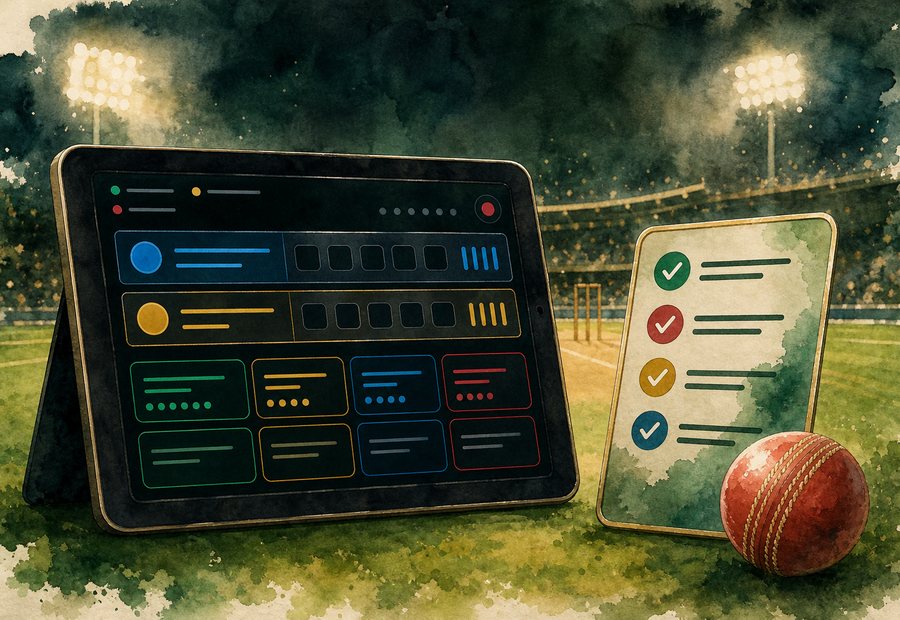
Before a cricket screen feels urgent
Check whether the team names and match title match the event you meant to open. Similar names and short labels can cause mistakes.
A live timer, locked icon, or paused panel can change what the rest of the screen means. Slow down when the timer jumps or disappears.
Match result, over runs, player runs, and wicket markets are different screens. Do not treat one label as another.
Look at the over, innings, and recent balls before reading a number on the board. Cricket screens can move quickly after one delivery.
If two screen elements disagree, pause. The cleaner choice is to re-check the screen instead of acting on a half-read label.
Related match-screen reading
A home or away label is only one part of a cricket match screen. The related article applies the same team-name, market, timer and score-context checks to a hypothetical home-away sample.
Read the home and away sample checks